What You Need to Know
You're heading back to campus and need a bag that shows your gaming pride without sacrificing comfort. But with so many options, how do you pick the right VanossGaming backpack? In this guide, you'll learn exactly what to look for - from laptop padding to zipper quality - plus insider tips from the community that go beyond the product page.
This guide is for students who want a functional, durable backpack that reflects their love for VanossGaming. By the end, you'll know how to choose a bag that fits your gear, your style, and your budget. Whether you're a freshman or a grad student, the right backpack can make campus life easier and more fun.
Why Choose a VanossGaming Backpack for School?
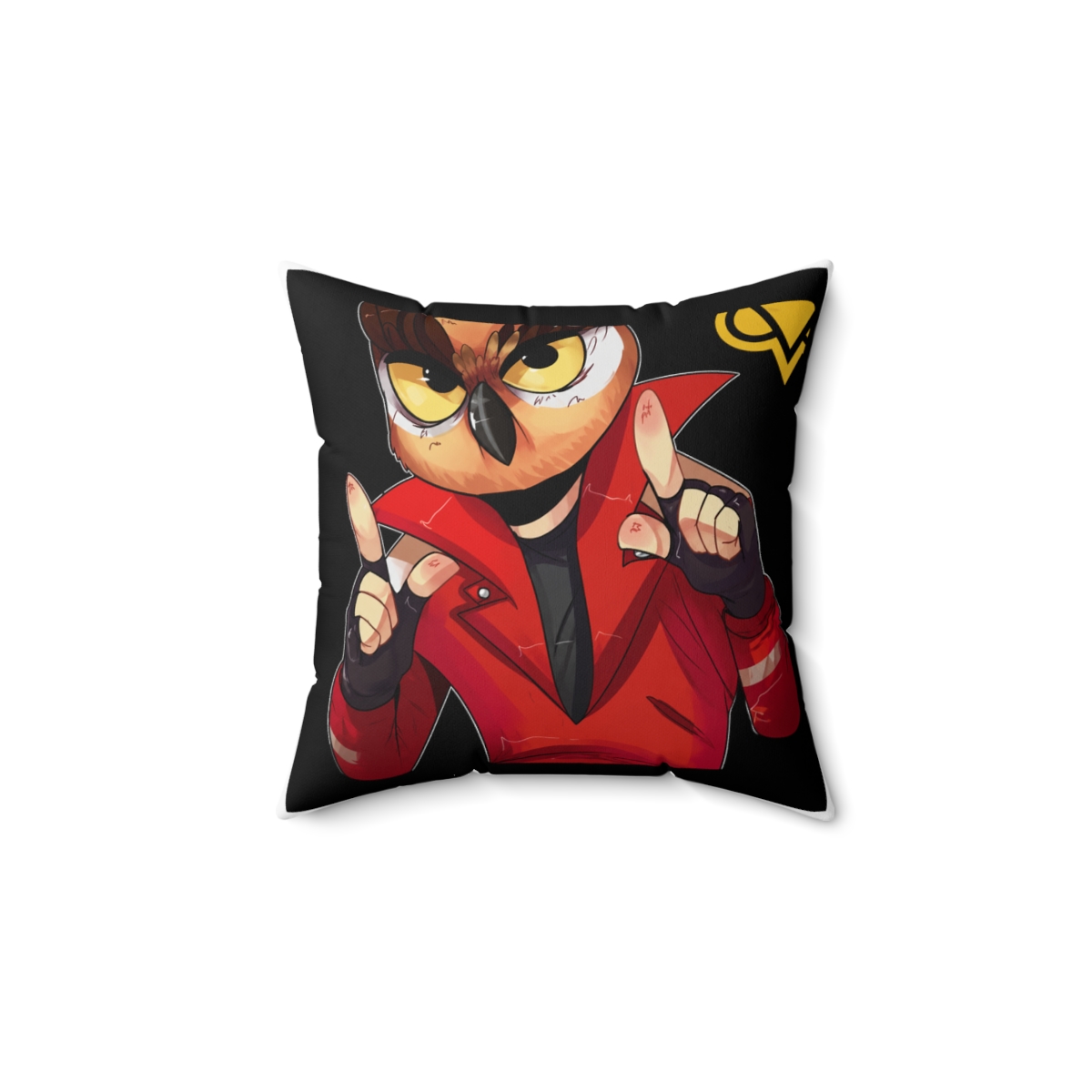
VanossGaming backpacks aren't just about looks. They're designed with gamers in mind: padded laptop compartments, multiple organization pockets, and durable materials that survive a full semester. The fan-favorite designs - from the classic logo to the Wildcat graphics - let you rep your favorite creator while staying organized. Most models feature adjustable straps, breathable mesh backs, and reinforced stitching.
Step-by-Step Guide to Choosing Your VanossGaming Backpack
Step 1: Assess Your Daily Carry Needs
Start by listing everything you'll bring to class: laptop size (13", 15.6", or 17"), tablet, textbooks, charger, water bottle, and maybe a gaming controller. Measure your laptop width and height - many backpacks specify a max screen size. For example, the Classic Logo Backpack fits up to a 15.6" laptop; the Wildcat Edition Backpack can hold a 17" model. Pro tip: Always go a half-inch larger than your device for easy access.
Step 2: Check the Compartment Layout
A good gaming backpack has at least three zones: a padded laptop sleeve, a main compartment for books, and a front organizer for pens, cables, and your phone. Avoid bags with too many small pockets - they become clutter traps. I recommend the three-compartment design of the VanossGaming Commuter Backpack: the front pocket has dedicated slots for a power bank and mouse.
Step 3: Examine Materials and Build
Look for 600D or 900D polyester - it's water-resistant and tough. Check the zippers: YKK zippers are the industry standard and last years. The shoulder straps should have at least 1 inch of foam padding. I once tested a budget bag that frayed after one month - the extra $15 for a reinforced model saved me from buying a replacement mid-semester.
Step 4: Consider Design and Personalization
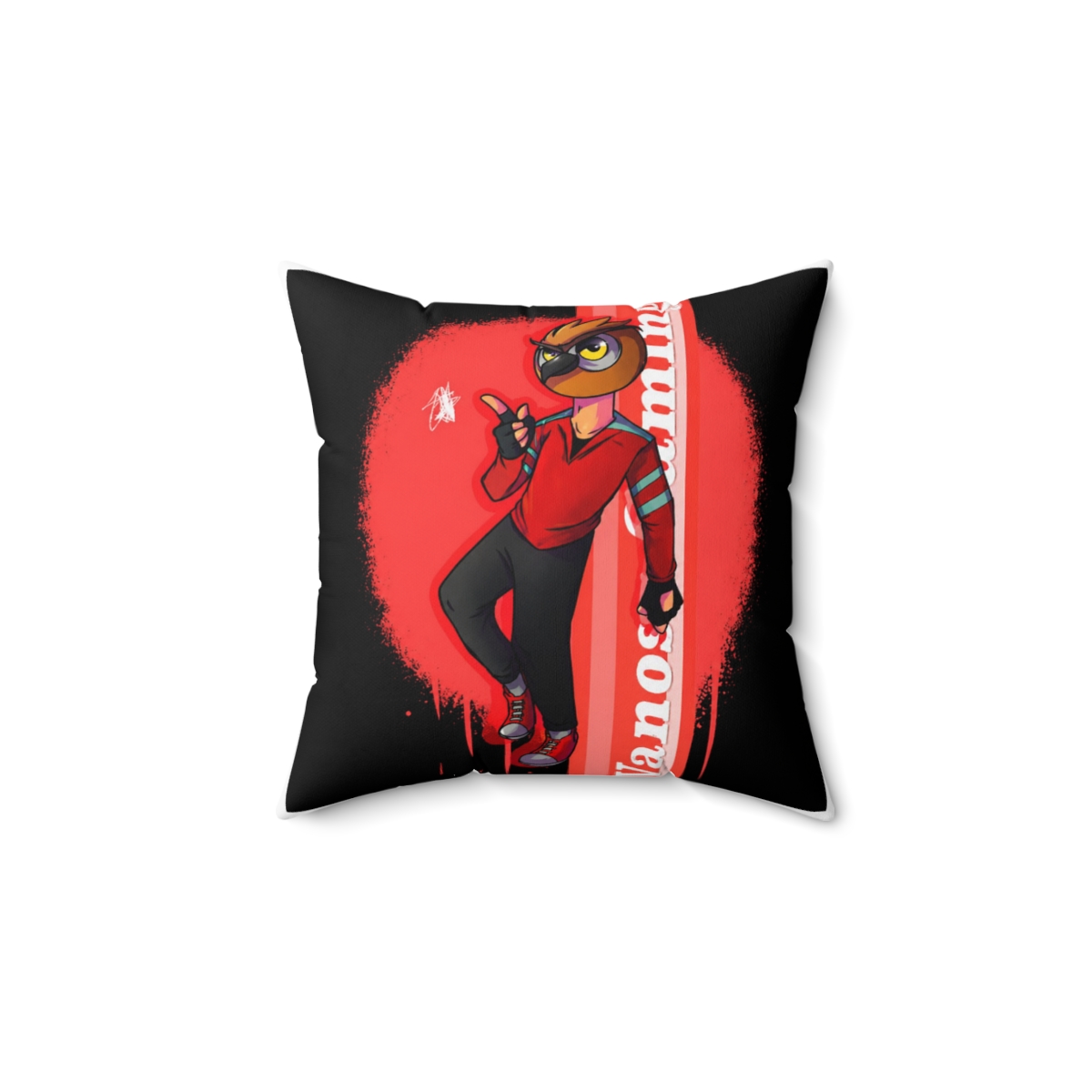
Choose a design that matches your personality. The classic black logo backpack goes with any outfit, while the Wildcat red-and-black stands out. Many backpacks have loop patches or D-rings where you can attach pins or keychains. Pro tip: Add a carabiner to the front D-ring to hang your water bottle or a small pouch.
Step 5: Test the Fit
If possible, try the backpack with your heaviest load. The straps should sit comfortably on your shoulders without digging in. The bottom of the bag should rest at your lower back, not your hips. Adjust the sternum strap for stability. For online orders, check the return policy - most print-on-demand stores allow exchanges if the fit is wrong.
Step 6: Compare Prices and Shipping
VanossGaming backpacks range from $39.99 (basic logo bag) to $59.99 (Wildcat Edition with extra features). Standard shipping to the US takes 5 - 10 business days; international orders may take 2 - 3 weeks. Avoid paying extra for rush shipping unless you need it within a week. I always order at least a month before the semester starts.

Common Mistakes to Avoid
- Ignoring laptop size: You bought a 17-inch gaming laptop, but the backpack only fits 15.6 inches. Always measure your device against the bag's specs.
- Prioritizing looks over comfort: A flashy design means nothing if the straps dig into your shoulders. Look for padded shoulder straps and a breathable back panel.
- Overlooking zipper quality: Cheap zippers break under the weight of textbooks. Check for YKK or comparable brand before buying.
- Skipping the water bottle pocket: You'll regret it during a long day on campus. Most VanossGaming backpacks have a side pocket - but double-check.
- Buying without reading reviews: Real student feedback reveals if the bag runs small or the stitching fails early. Spend five minutes scanning reviews.
Pro Tips from the Community
1. Use packing cubes: They keep your clothes and cables separate from textbooks. The VanossGaming Commuter Backpack fits two small cubes in the main compartment. 2. Attach a key leash: The small ring inside the front pocket can be used to clip your keys - saves you from digging around. 3. Waterproof your base: Even water-resistant bags can soak through in heavy rain. Slip a rain cover over the backpack (available for $9.99 on the store). 4. Rotate bags: If you own two VanossGaming backpacks, alternate to extend their lifespan. I use the Classic Logo for short days and the Wildcat Edition for heavy load days.
Recommended Gear & Products
Classic Logo Backpack ($44.99) - 600D polyester, padded 15.6" laptop compartment, two main zippered compartments, side mesh pocket. Best for everyday classes with minimal gear. Durable and discreet.
Wildcat Edition Backpack ($54.99) - 900D polyester, fits up to 17" laptop, extra front organizer with USB charging port access, reinforced stitching. Perfect for gamers carrying a full setup.
Commuter Backpack ($59.99) - Three compartments, dedicated tablet sleeve, key clip, sternum strap. My top pick for students with heavy schedules. Available in classic black or red trim.
Frequently Asked Questions
What sizes are available for VanossGaming backpacks?
Most models fit 15.6" to 17" laptops. Check the product description for exact laptop compartment dimensions. The Wildcat Edition is the largest option.
Are these backpacks waterproof?
They are water-resistant (600D/900D polyester), but not waterproof. For heavy rain, use a rain cover or spray with fabric protector.
Can I fit a 17-inch laptop?
Yes, the Wildcat Edition Backpack and Commuter Backpack accommodate up to 17" laptops. Always measure your laptop's width first.
How do I clean my VanossGaming backpack?
Spot clean with mild soap and a damp cloth. Do not machine wash - it can damage the padding and print. Air dry only.
Do you ship internationally?
Yes, international shipping is available to select countries. Check our Contact page for details. Standard shipping time varies by location.
Key Takeaways
- Measure your laptop and list your daily gear before choosing a backpack.
- Prioritize padded straps, YKK zippers, and water-resistant materials.
- Avoid common mistakes like ignoring laptop size or buying for looks alone.
- Customize with carabiners, pins, and packing cubes for better organization.
- The Classic Logo ($44.99), Wildcat Edition ($54.99), and Commuter ($59.99) are top picks for students.