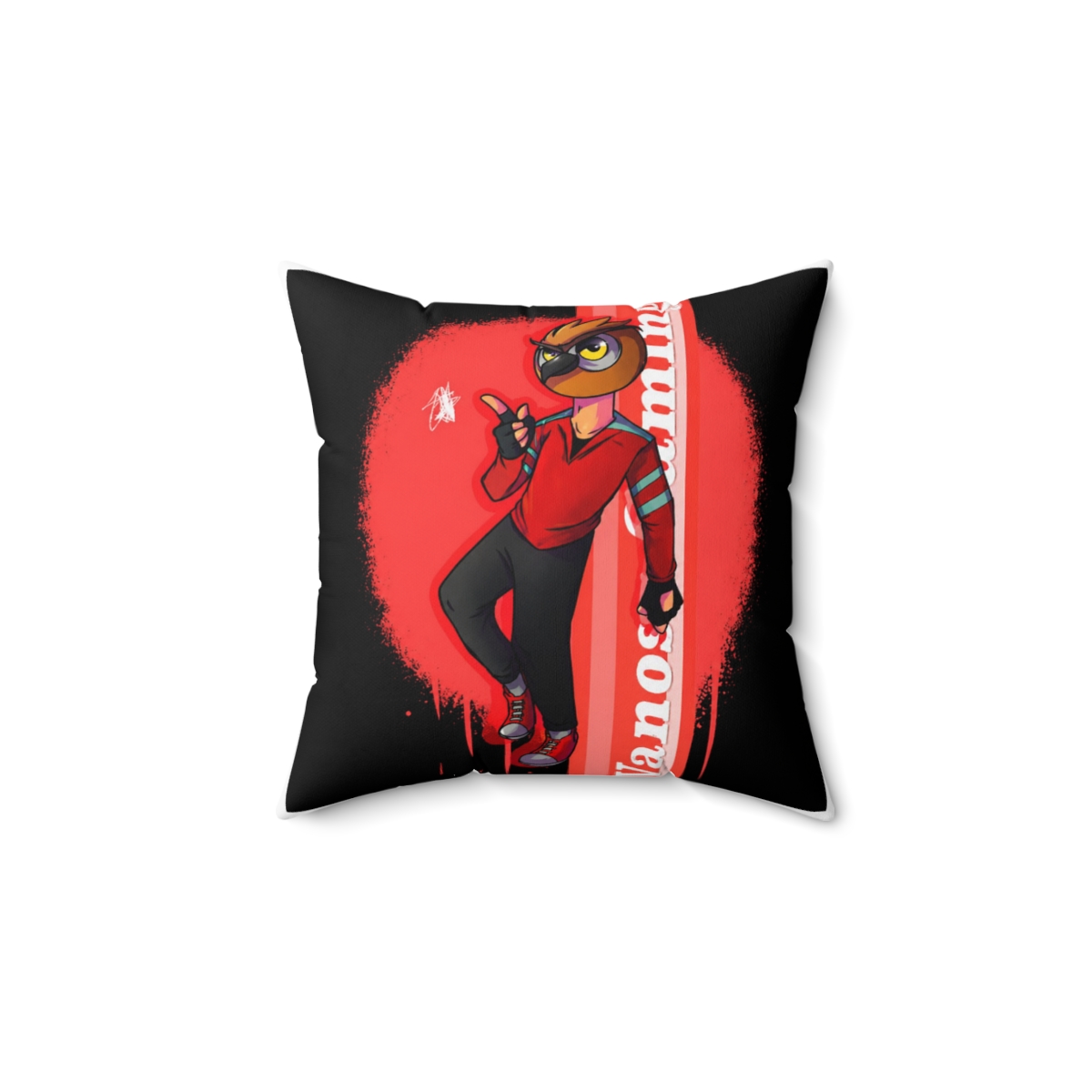
Picture this: it's 7:40 AM, the bus is five minutes out, and your backpack is a black hole. You dig for your laptop charger and pull out last week's gym socks instead. This vanossgaming backpack packing guide fixes that morning chaos with a simple system that uses the bag's actual layout. In about five minutes each evening, you can have a bag that's ready to grab and go.
Before we get to the steps, here's a quick look at what works for different students, based on what I see in the shop:
| Product/Pick | Best For | Key Feature | Price Range |
|---|---|---|---|
| VanossGaming Backpack | Everyday class load | Padded 15.6\" laptop sleeve | $54.99 - $64.99 |
| VanossGaming Laptop Sleeve | Extra laptop protection | Memory foam interior | $19.99 - $24.99 |
| VanossGaming Insulated Bottle | Hydration on the go | 24 oz vacuum insulation | $24.99 |
| Starter Bundle | New college students | Backpack + keychain + sticker pack | $69.99 - $79.99 |
| Deluxe Gift Set | Gifting to a Vanoss fan | Backpack + accessories in a gift box | $89.99 - $99.99 |
Why Packing Strategy Matters for School
A disorganized backpack costs you more than time. It can mean a sore shoulder from uneven weight, a cracked laptop screen from sliding around, or a broken pencil lead right before a quiz. Packing with a plan keeps your spine aligned and your gear protected.
The VanossGaming backpack has a specific layout: a deep main compartment, a padded laptop sleeve that takes up space if you misuse it, a front organizer with pen loops, two stretchy side pockets, and a hidden back pocket. Once you know what each area is for, packing becomes a pattern rather than a guess.
In my experience as an e-commerce product specialist, the students who pack the night before are the same ones who aren't scrambling for a charger at noon. A consistent system beats buying a bigger bag.
Step-by-Step: Organize Your VanossGaming Backpack
Follow these six steps once, and the whole process takes under five minutes each evening.
Step 1: Empty the Bag Completely
Take everything out and turn the bag inside out if the lining allows. You'll be surprised what's at the bottom: loose change, an old bus pass, and last week's protein bar. Wipe the interior with a damp microfiber cloth and let it air dry for 10 minutes. A clean starting point makes the next steps easier.
Step 2: Load the Main Compartment by Weight
Put heavy items closest to your back. Textbooks, binders, and your laptop charger go in the main compartment against the back panel. Lighter things like folders and a pencil case sit in front. This keeps the center of gravity close to your spine, which noticeably reduces shoulder strain during a 15-minute campus walk.
Step 3: Protect the Laptop
The padded sleeve fits most 15.6-inch laptops. Slide the laptop in vertically, bottom edge first, and secure the internal strap. If you carry both a laptop and tablet, wrap the tablet in a soft sleeve and place it between two notebooks. Don't stack heavy books on top of the sleeve after the laptop is in, that pressure can crack the screen.
Step 4: Use the Front Pocket for Daily Reach Items
The front organizer has dedicated slots for pens, a phone, and keys. Put your bus pass in the zippered inner pocket so you never have to dig. Keep a short USB-C cable in the front too, and you'll be ready to charge your phone at the library without untangling a 6-foot mess.
Step 5: Side Pockets for Bottles and Snacks
The mesh side pockets are stretchy, so a 24-ounce water bottle fits snugly on one side. On the other, slide a small umbrella. Avoid carrying a heavy bottle and a full binders on the same side, because the bag will tilt and pull one shoulder down.
Step 6: Do the Final Balance Check
Weigh the loaded bag on a kitchen scale. A filled backpack should stay under 15% of your body weight. If the bag tips over when you set it down, rearrange the weight. Check that all zippers run smooth and the sternum clip is centered before you close the main flap.

Common Mistakes to Avoid
Even with a good system, a few habits can undo your hard work. Here's what to skip:
- Overfilling the front pocket. A bulging front pocket throws off the balance and stresses the zipper. Keep it to flat items like a calculator, a phone, and pens.
- Putting the laptop in the main compartment instead of the sleeve. The sleeve absorbs impact; a loose laptop bounces against your binders all day.
- Washing the backpack in a washing machine. The padding flattens and the embroidery can fray. Spot clean with a damp cloth and mild soap.
- Carrying gym shoes on top of your notebooks. They compress the contents and push the zipper past its limit. Use a separate gym bag or clip shoes to an outside loop.
Pro Tips from the Community
These tricks come from students who've used VanossGaming backpacks for a full semester or more. They work.
- Clip a carabiner to the outside loop. Attach hand sanitizer, a bike lock, or even a lunch bag. It keeps heavy items off the zippers.
- Use the hidden back pocket for items you don't want to lose. Stash your parking pass, a passport, or a spare key there. It's less obvious and won't get mixed up with your papers.
- Wrap your laptop charger in a sunglasses pouch. The soft lining prevents the brick from scratching your laptop and the cable from tangling around your notebooks.
- Rotate which shoulder you carry the bag on. It sounds simple, but alternating sides every 15 minutes reduces back fatigue. A sternum strap helps too.
Best VanossGaming Accessories for Daily Carry
Two or three small upgrades can make your packing system even smoother.
The VanossGaming Laptop Sleeve (around $19.99) adds a second layer of memory foam if you own the standard backpack. Slide the laptop into the sleeve first, then into the backpack's built-in sleeve. It's worth it if you're carrying a heavier gaming laptop that's a bit over 15.6 inches.
The VanossGaming Insulated Water Bottle (around $24.99) keeps drinks cold for about 12 hours and fits perfectly in the side mesh pocket. It prevents condensation from leaking into your main compartment, which is something I hear students complain about with cheaper bottles.
The VanossGaming Keychain (around $9.99) is a small owl charm that makes your bag easy to spot on a crowded coat hook. It's also a low-pressure way to show your fandom without flashing a big logo.
Protecting Your Gear for the Whole Semester
Your backpack will survive the semester if you treat it like a piece of equipment. Apply a fabric protector spray before the first day of class. That adds a water-resistant layer to the nylon, so a light rain won't soak your notebooks. Reapply once at midterms.
Don't overload the main compartment to the point where the zipper pulls feel tight. That tension is what makes stitches pop. Keep the backpack in a dry, cool spot when you're at home, not on the floor by the radiator.
Your First-Week Packing Checklist
Print this or save it on your phone. Check it off the night before your first day:
- Laptop and charger
- Phone charger (short cable)
- Notebooks and folders
- Pencil case with spare pens
- Water bottle
- Hand sanitizer
- Keys and bus pass
- Umbrella if rain is in the forecast
- Snack for between classes
Frequently Asked Questions
How much can a VanossGaming backpack hold?
The main compartment fits a few textbooks, a binder, a laptop, and a pencil case comfortably. The front and side pockets add extra storage for smaller items. If you're carrying gym shoes as well, use a separate duffel.
Does the backpack fit a 15.6-inch laptop?
Yes. The padded sleeve is sized for most standard 15.6-inch laptops. For a gaming laptop that's thicker, put it in a sleeve first and slide both into the backpack.
Is the backpack water-resistant?
The nylon exterior has a water-resistant coating, but it's not fully waterproof. A fabric protector spray adds an extra layer. If you're walking in heavy rain, cover the bag with a rain cover or put your laptop in a dry bag.
How do I clean the backpack without ruining it?
Spot clean with a damp cloth and mild soap. Do not put it in a washing machine, the padding will flatten and the embroidery can fray. Air dry fully before storing.
What's the best way to stop the bag from smelling?
Empty it at least once a week and air it out overnight. Use a small mesh pouch with baking soda inside the main compartment for a few hours. Don't store sweaty gym clothes in the bag overnight.
Key Takeaways
- Pack heavy items closest to your back to reduce shoulder strain.
- Use the padded laptop sleeve and avoid stacking books on top of it.
- Keep the front pocket flat to protect the zipper.
- Spot clean the backpack; never machine wash it.
- A five-minute evening packing routine beats a chaotic morning every time.